
How To Import Bank Statements Into QuickBooks From PDF
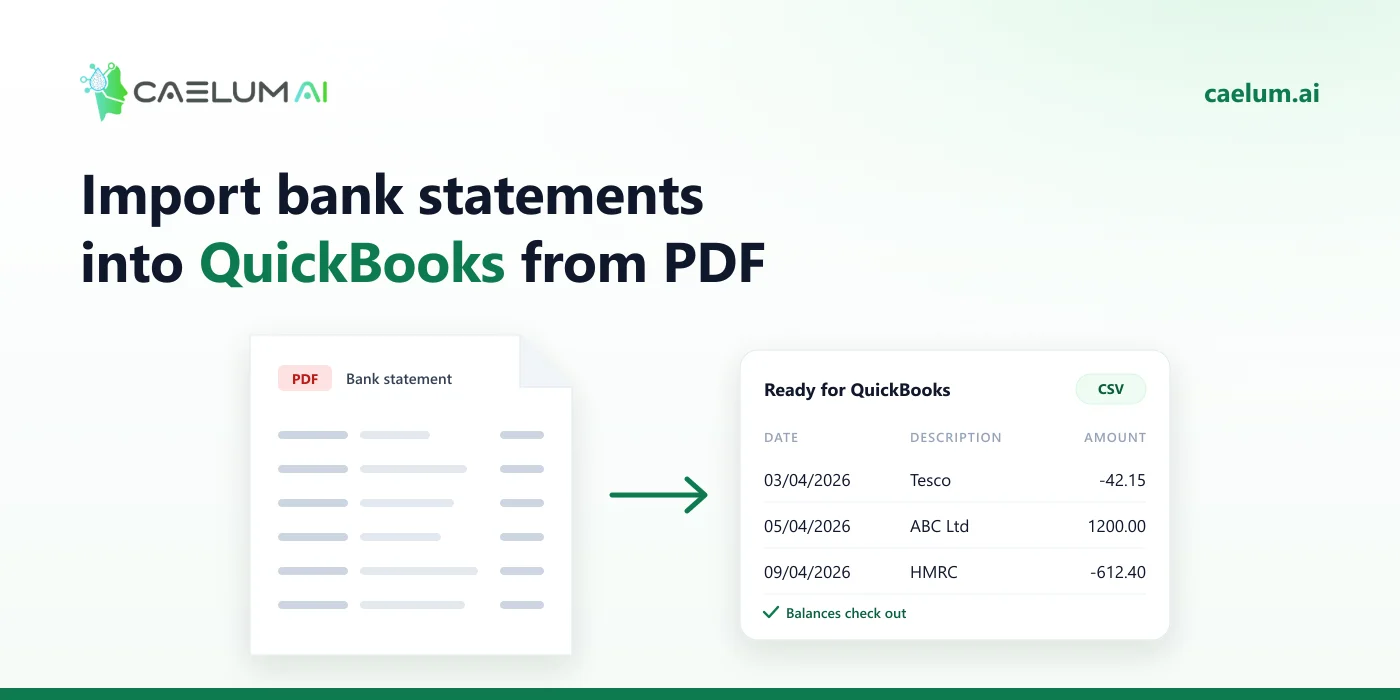
QuickBooks Online does not read PDF bank statements: it uploads transactions from a CSV file (or QBO, OFX and QFX). To bring a PDF statement in, convert it to a CSV in one of the two layouts QuickBooks accepts — 3 columns (Date, Description, Amount) or 4 columns (Date, Description, Credit, Debit) — then upload it to the bank account and check the balance.
Step 1: Convert the PDF to CSV
Upload the statement to Caelum and download the transactions as CSV. Scans, phone photos and password-protected PDFs all work, and every statement is checked against its own running balance before you download it.
Step 2: Shape the CSV for QuickBooks
Pick one layout:
3 columns
| Date | Description | Amount |
|---|---|---|
| 03/04/2026 | Card payment — Tesco | -42.15 |
| 05/04/2026 | Faster payment — ABC Ltd | 1200.00 |
4 columns
| Date | Description | Credit | Debit |
|---|---|---|---|
| 03/04/2026 | Card payment — Tesco | 42.15 | |
| 05/04/2026 | Faster payment — ABC Ltd | 1200.00 |
Tips:
- Keep one header row and nothing above it.
- Use one date format throughout, matching your QuickBooks region (DD/MM/YYYY in the UK).
- Remove balance rows and totals; amounts should be plain numbers without currency symbols.
- For 3 columns from a money in / money out export, use
= money in − money out.
Step 3: Upload into QuickBooks Online
- Go to Transactions → Bank transactions (sometimes shown as Banking).
- Choose Upload transactions (under Link account in some versions).
- Select the CSV, choose the QuickBooks account it belongs to, and map the columns.
- Confirm the date format, then finish the upload.
Menu names can change between versions; Intuit’s help pages describe the current route under “upload bank transactions”.
Step 4: Check it
- Transactions land in For review — nothing is posted until you categorise or match them.
- Make sure the period does not overlap a bank feed or an earlier upload.
- After review, the QuickBooks register balance should match the statement’s closing balance.
Frequently asked questions
Does QuickBooks Desktop work the same way? Desktop is pickier and generally prefers QBO (Web Connect) files. This guide is for QuickBooks Online.
Why does QuickBooks reject my file? The usual causes: more than one header row, mixed date formats, currency symbols in amounts, or blank rows.
What about invoices? Supplier invoices and receipts can be extracted too — see invoice PDF to Excel.