
How To Import Bank Statements Into Sage From PDF
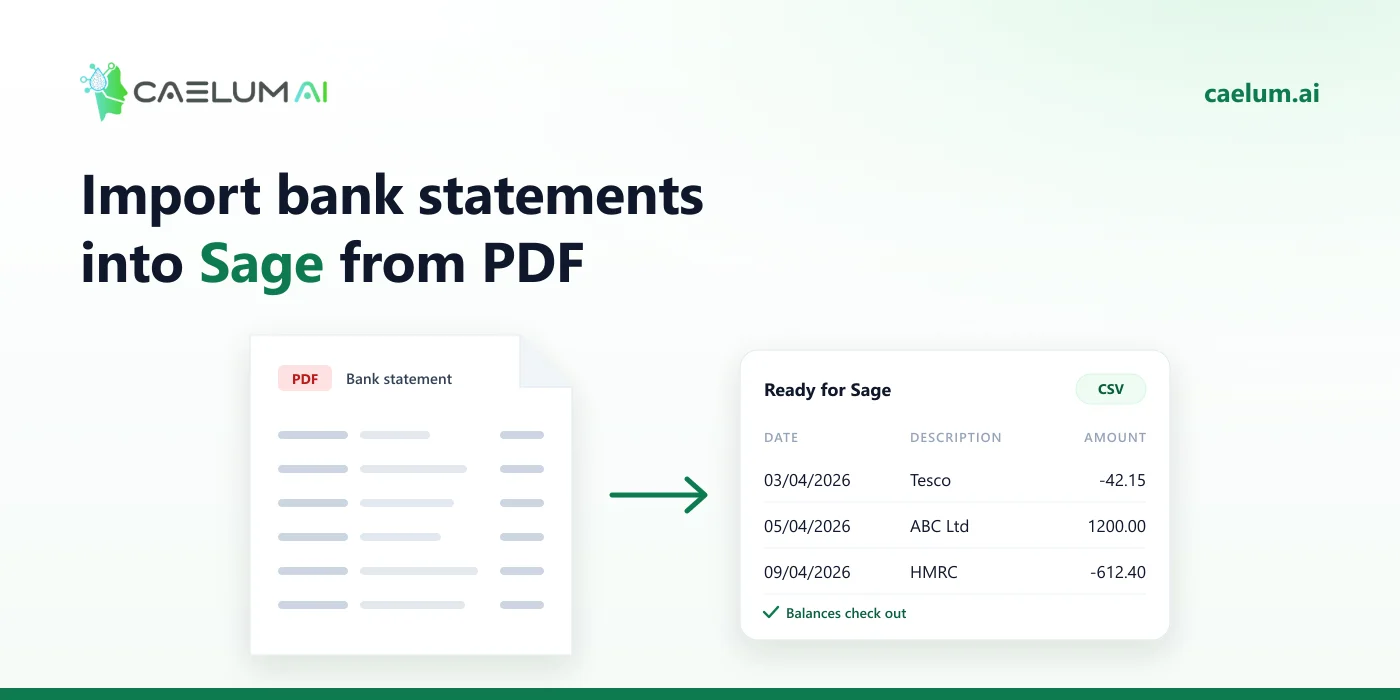
Sage does not import PDF bank statements: Sage Accounting (and Sage 50) bring in bank transactions from a CSV file or OFX/QIF. To use a PDF statement, convert it to CSV with a date, a description and the amounts, import it into the bank account, and confirm the balance matches the statement before you reconcile.
Step 1: Convert the PDF to CSV
Upload the statement to Caelum and download it as CSV. Caelum reads digital PDFs, scans and photos, unlocks password-protected statements on your computer, and checks each statement against its running balance — so a missing line is caught before import, not during reconciliation.
Step 2: Shape the CSV for Sage
Sage lets you map columns during import, so the exact order matters less than clean data:
- Date — one format throughout; DD/MM/YYYY for UK companies.
- Description (and Reference if you use one).
- Amount — either one signed column (money in positive, money out negative) or separate money in and money out columns. Sage’s import screen asks which you have.
- No extra rows — remove opening/closing balances, totals and blank lines.
Step 3: Import into Sage
Sage Accounting (cloud):
- Open Banking, choose the bank account.
- Choose Import statement (or Import bank transactions).
- Upload the CSV, map the columns, and confirm the date format.
Sage 50: use the bank account’s statement or transaction import option and map the CSV columns in the same way.
Menu names differ between Sage products and versions; if yours do not match, search Sage’s help for “import bank statement CSV”.
Step 4: Check before you reconcile
- The closing balance after import should equal the PDF statement’s closing balance.
- Avoid overlapping periods with a bank feed or a previous import — duplicates are easy to create and slow to unpick.
- If payments appear as receipts, the amount sign is reversed: delete the import and re-import.
Frequently asked questions
Can Sage read a PDF statement? No; it imports CSV, OFX or QIF.
Is Sage’s CSV format the same as Xero’s? Close: both accept a single signed amount. Sage also accepts separate money in and money out columns.
What if the bank feed is broken for months? That is the main use: convert the missing months’ PDFs in one batch and import them period by period.